Available now
focoach for macOS
macOS 14 or later
Apple SiliconM-series chips
IntelIntel processors
ZIP download · This Mac build has not been notarized by Apple.
FOCOACH FOR DESKTOP
On Mac. On Windows. Bring your next goal to the desktop with focoach.
Find your desktop version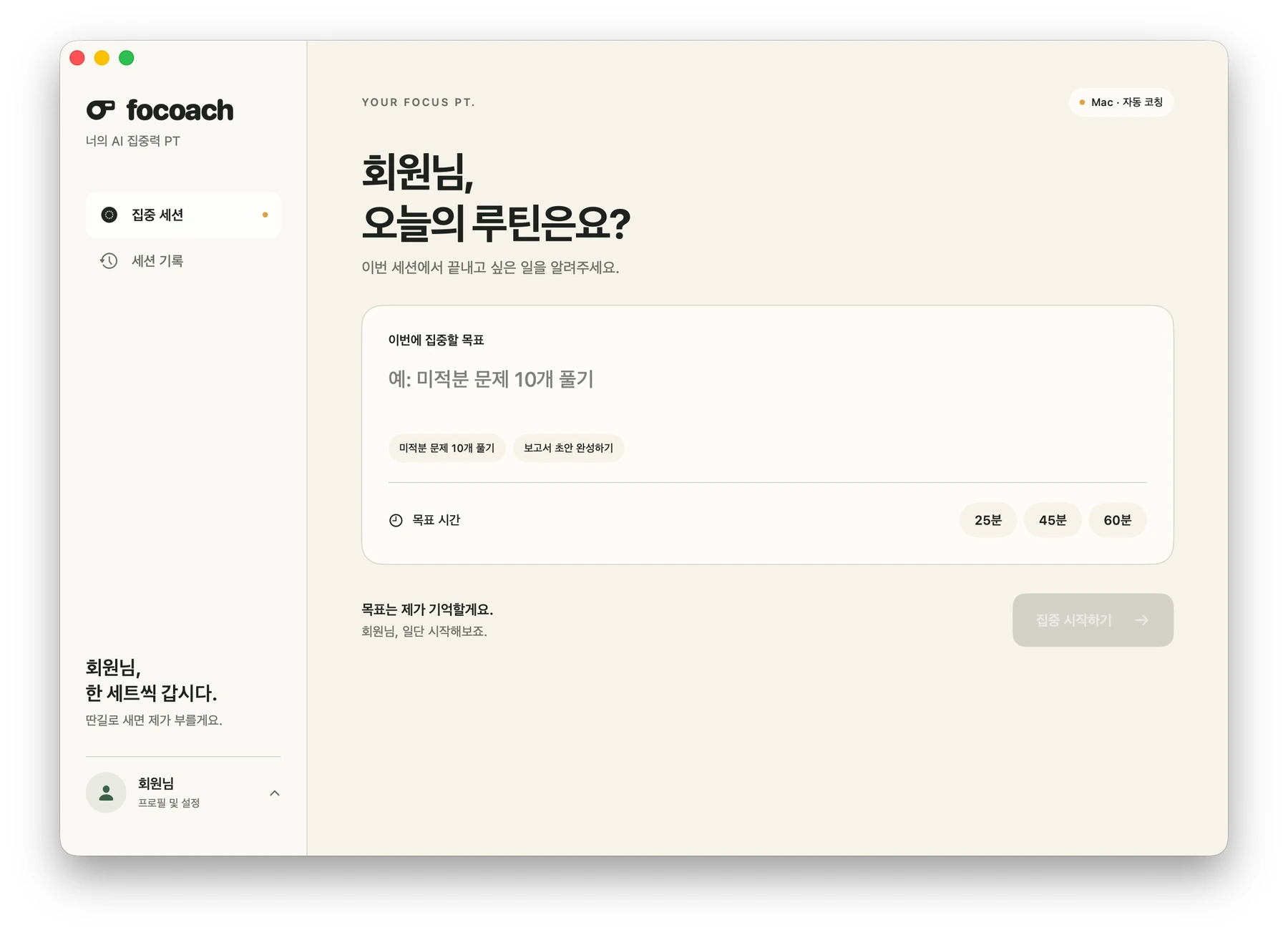
macOS 14 or later
ZIP download · This Mac build has not been notarized by Apple.
For Windows PCs
One-click installation · Automatic updates · Keeps your existing sign-in and records. The current Windows installer is unsigned.
AI coaching is $10/month (a recurring $5 discount from $15) or $100 billed annually, with your first 7 days free. Start or manage your subscription online using the same account as the app. Open subscription & account
Download the Mac and Windows apps now.
Choose the version for your computer’s operating system.
On Mac, extract the ZIP and move focoach.app to Applications. On Windows, run the downloaded Setup.exe to install automatically and open the app.
Open focoach, set a goal, and choose how long you’ll focus.
For a Mac with an M-series chip, choose Apple Silicon. For a Mac with an Intel processor, choose Intel. An installer labeled Universal is a shared build for both kinds of Mac. Each version’s download button becomes available when its file is ready.
An ‘Available now’ label means you can download that operating system’s installer. A ‘Coming soon’ label means we’re still preparing it. Sign up for launch updates to hear when the mobile app is ready.
On Mac, quit focoach, extract the ZIP, and move focoach.app to Applications. On Windows, quit focoach from the system tray, then run the downloaded Setup.exe to install. Your existing sign-in and records are kept. Open focoach from the Start menu after installation; to uninstall, remove it from the Apps list in Windows Settings.
If you use Mac 0.4.10 or earlier, install the current Mac release manually once. Starting with 0.4.11, Mac and Windows download new versions automatically. Updates are applied only when you click ‘Restart to update’ after finishing your session and editing. The app does not restart automatically before that click, and an ordinary quit does not apply the update.
Open your profile at the bottom of the sidebar to find Settings, Account and subscription, and Sign out. Sign-out is unavailable during an active focus session.
The installer includes the runtimes needed for the app and screen text recognition. No separate runtime installation is needed.
The preview shows the Korean interface of the Mac app in development. Screens and available features may differ by operating system and release. This page’s language does not indicate the app’s supported languages.